Home
About
Who We Are
Our Leadership
What We Believe
Find Your Place
Kids
Students
Families
Messages
Give
How to add someone to your LEAD group
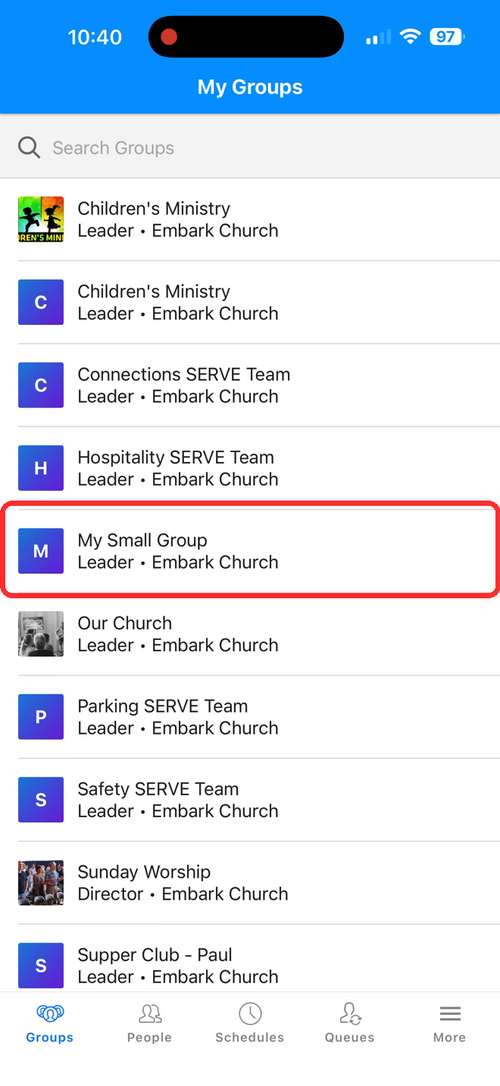
1. Tap Groups in the bottom menu. Select your group from the list.
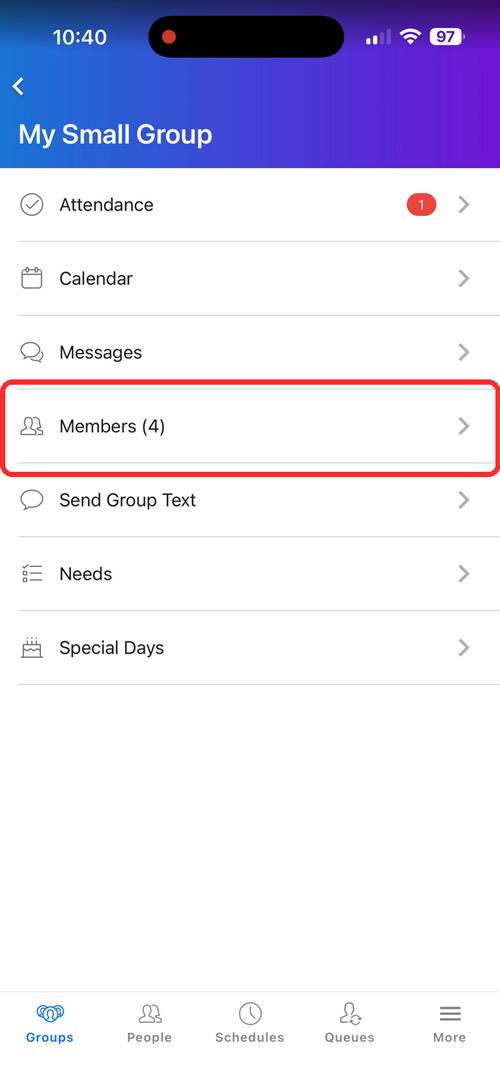
2. Tap Members.
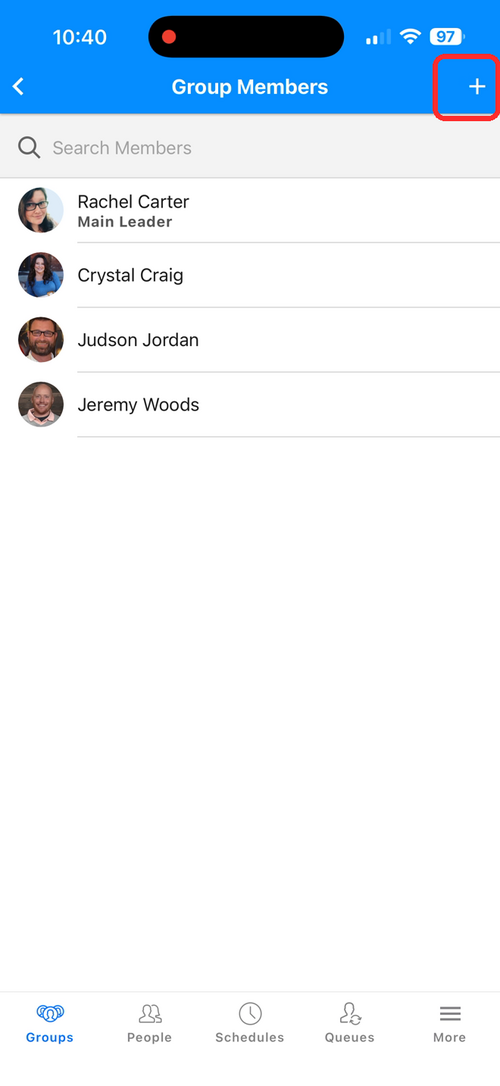
3. Tap the + icon in the top right corner.
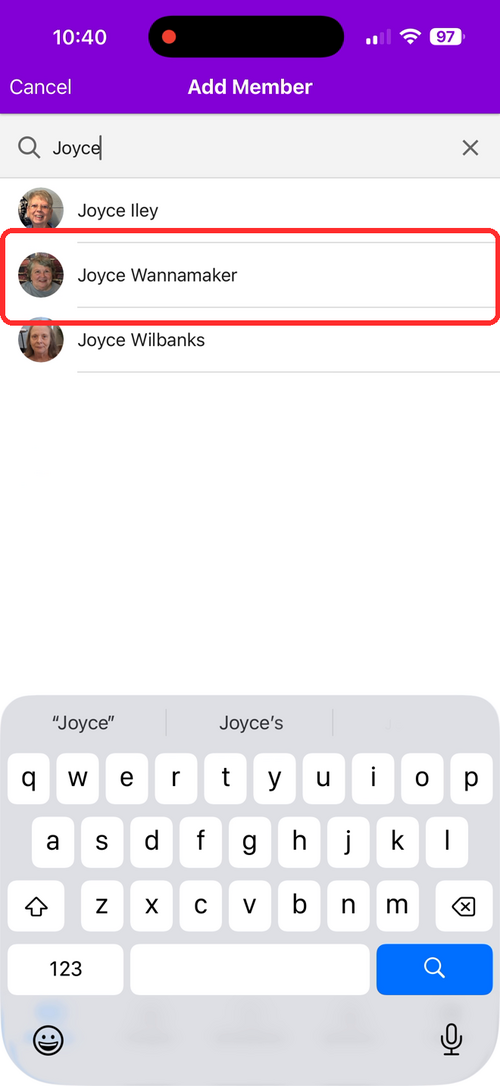
4. Search for the person's name.
5. Tap their name to add them.
How to take attendance
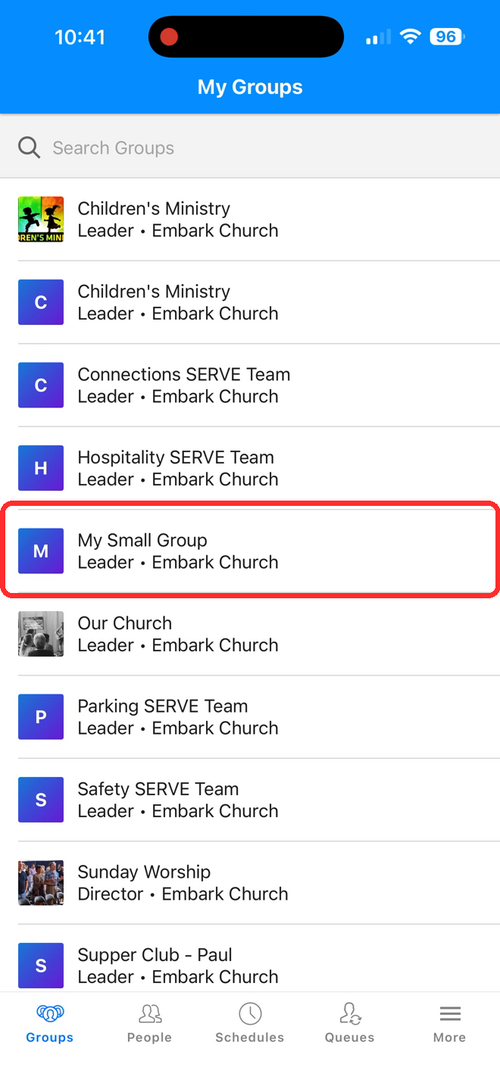
1. Tap Groups in the bottom menu. Select your group from the list.
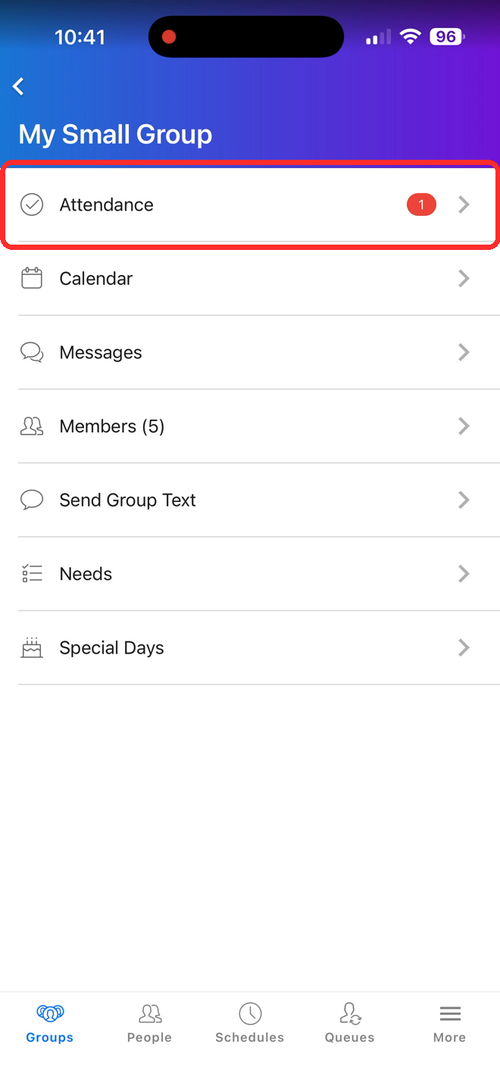
2. Tap Attendance.
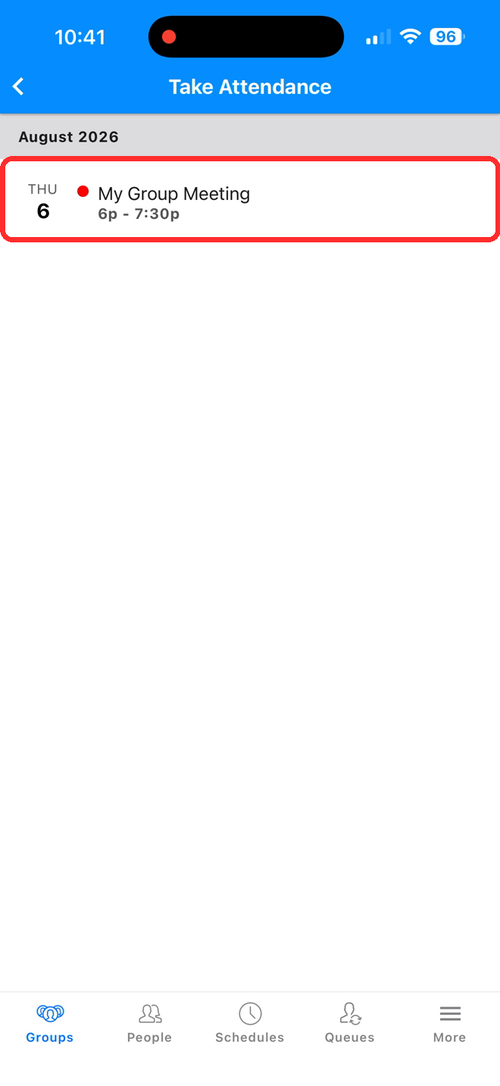
3. Tap the meeting or event to record attendance.
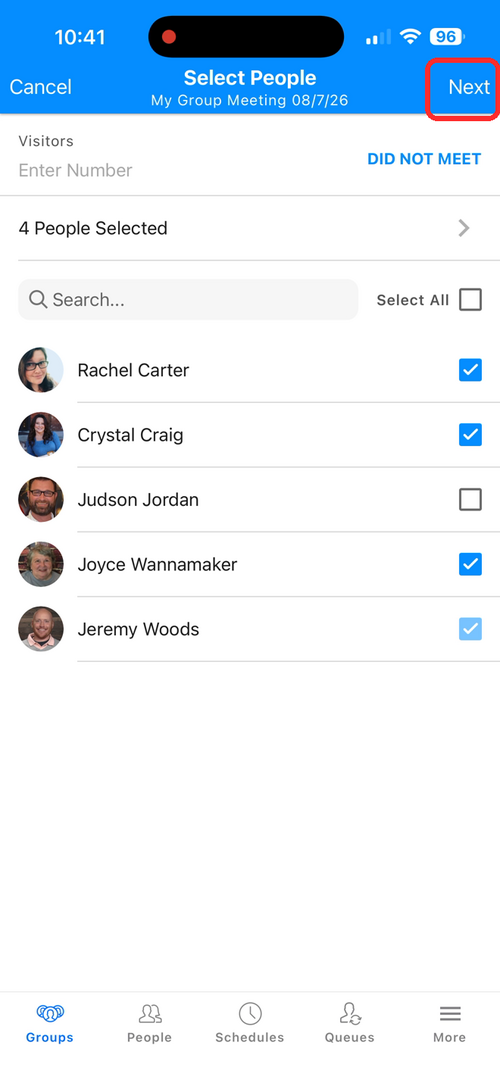
4. Check off who attended, then tap Next in the top right.
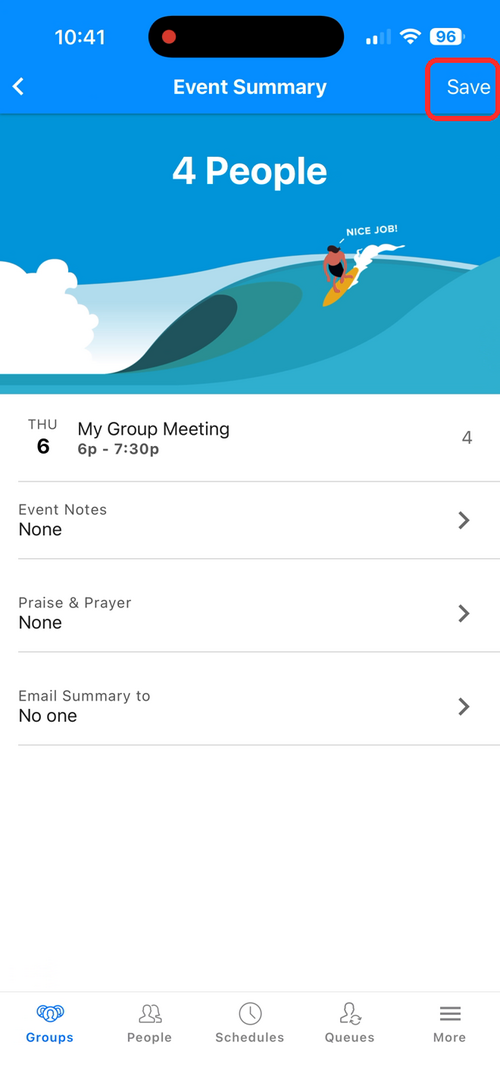
5. Review the Event Summary and tap Save.